How to Register Seller
To register as a seller, please use the FreshGo Seller app. You can download it by tapping the badge below:


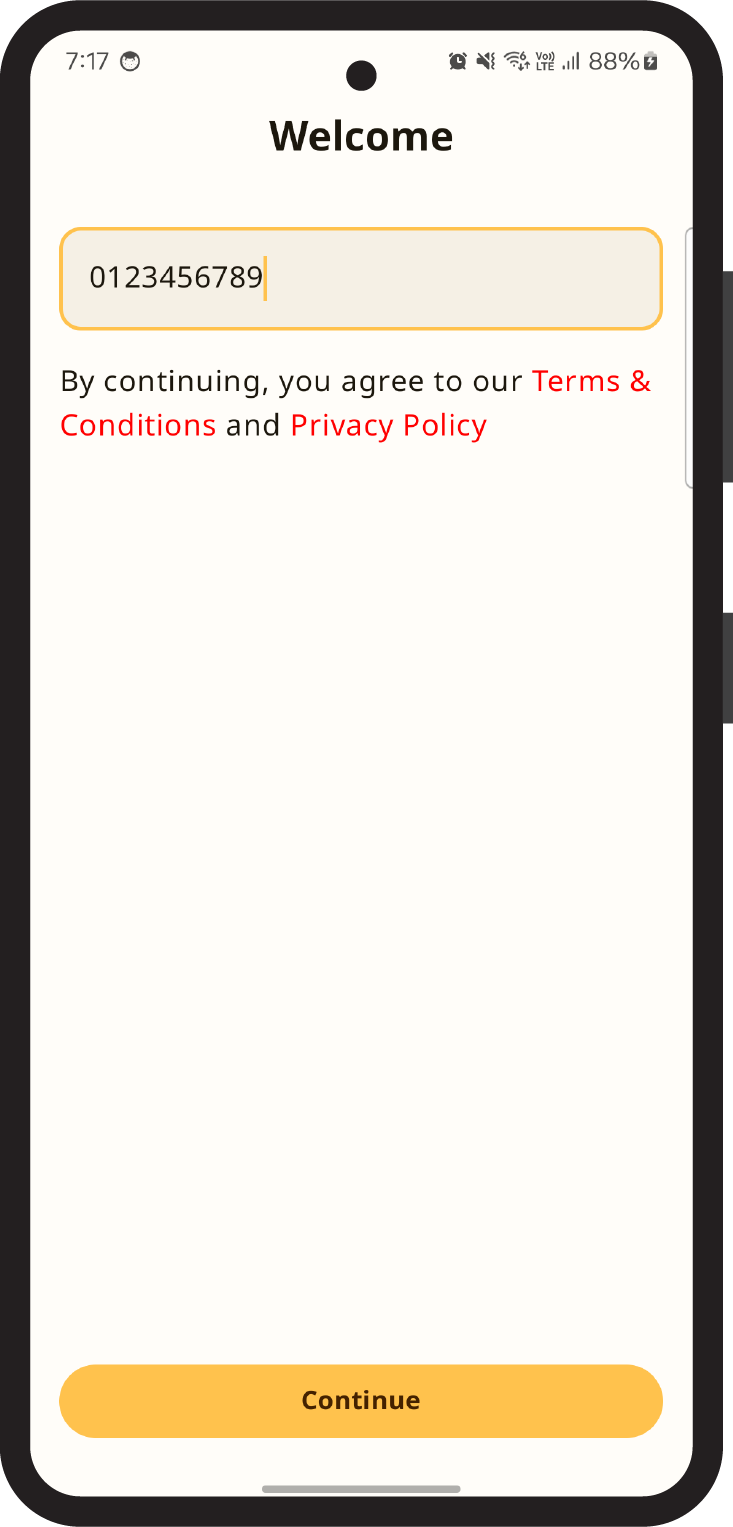
1Enter your phone number and tap Continue. Currently, registration is available for Thai phone numbers only.
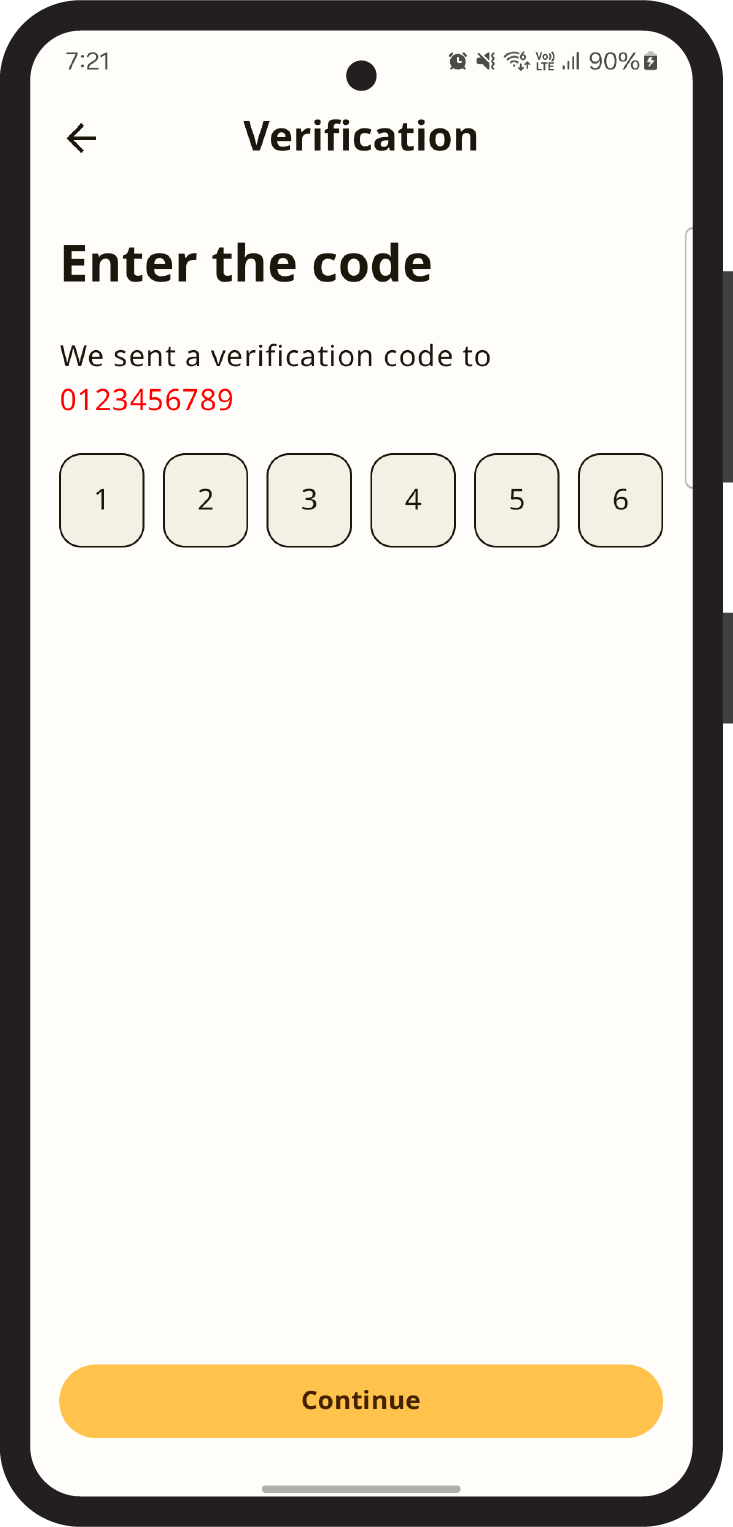
2Enter the OTP verification code you received and tap Continue.
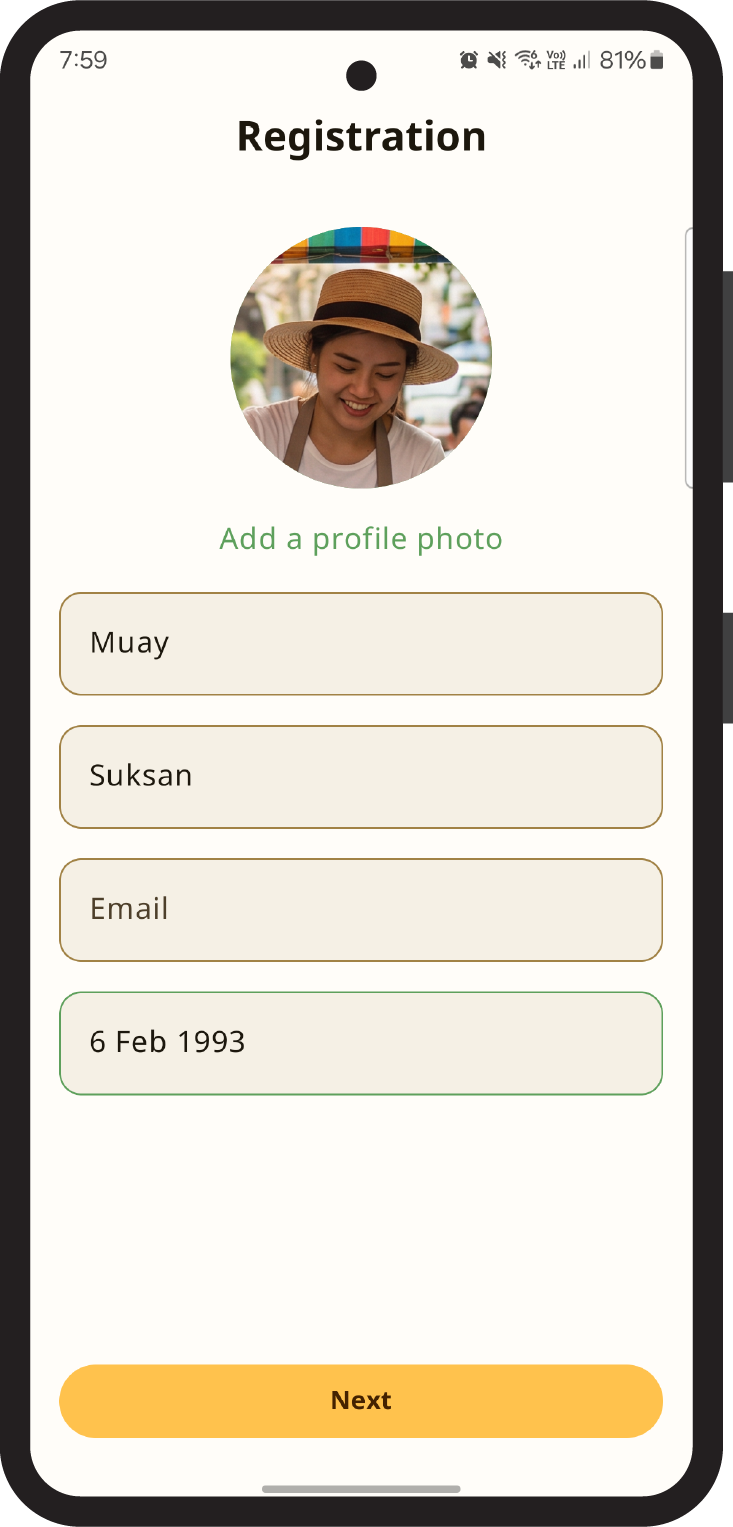
3Fill in your first name, last name, and date of birth. You can also add a photo and email if you like. Then tap Next.
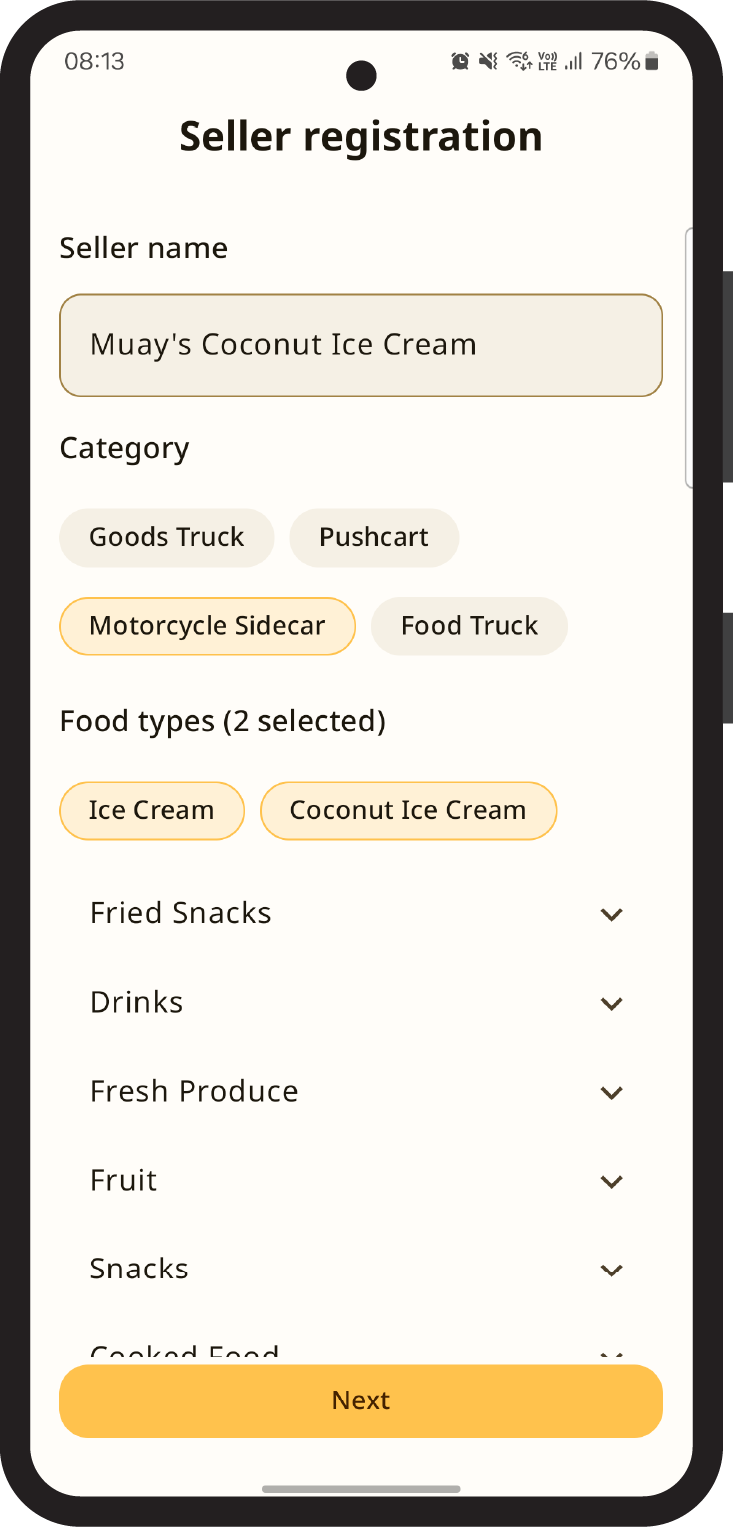
4Enter your shop name, select a category, food types, and available payment methods. You can optionally add payment method notes — for example, "no banknotes over 500 baht."
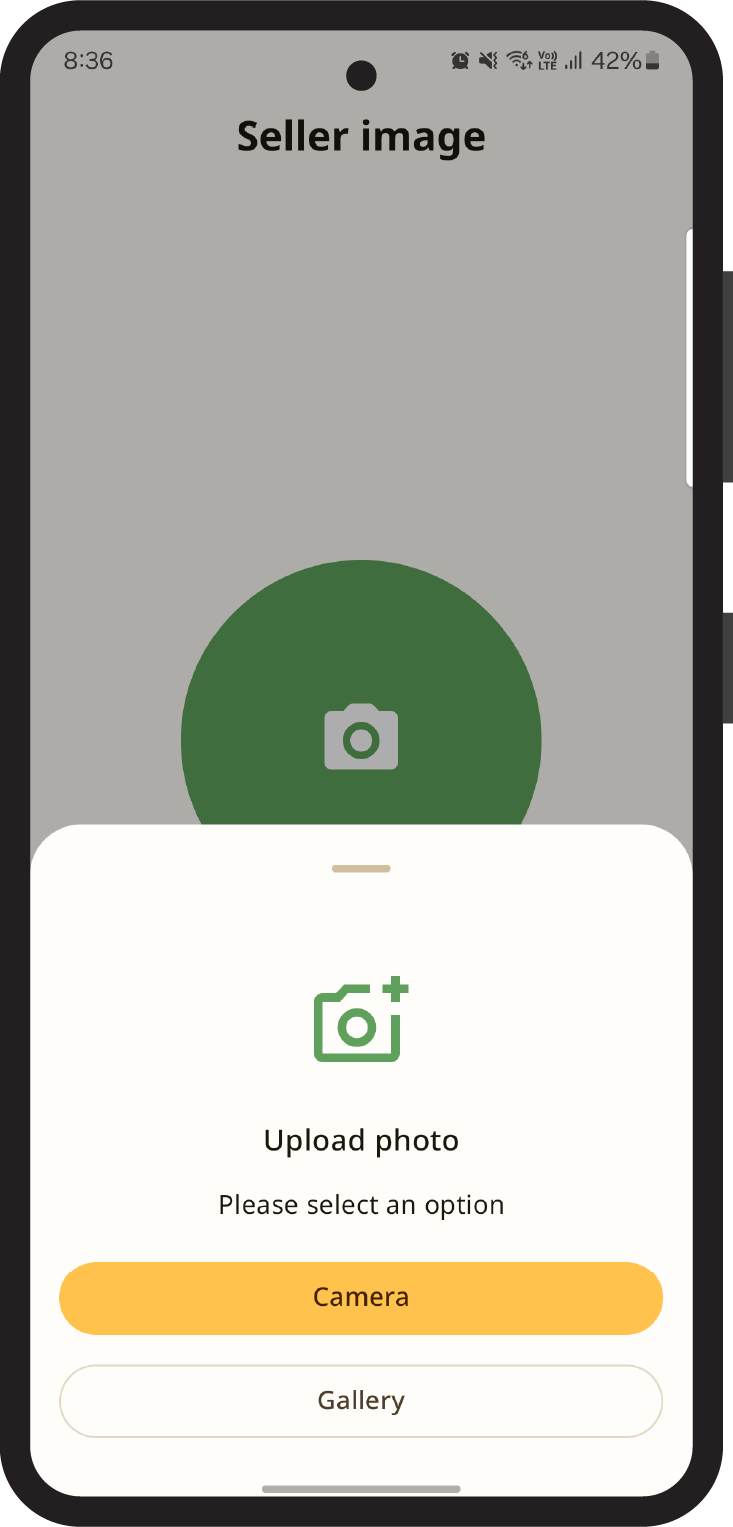
5Choose a shop photo from your gallery or take a new one.
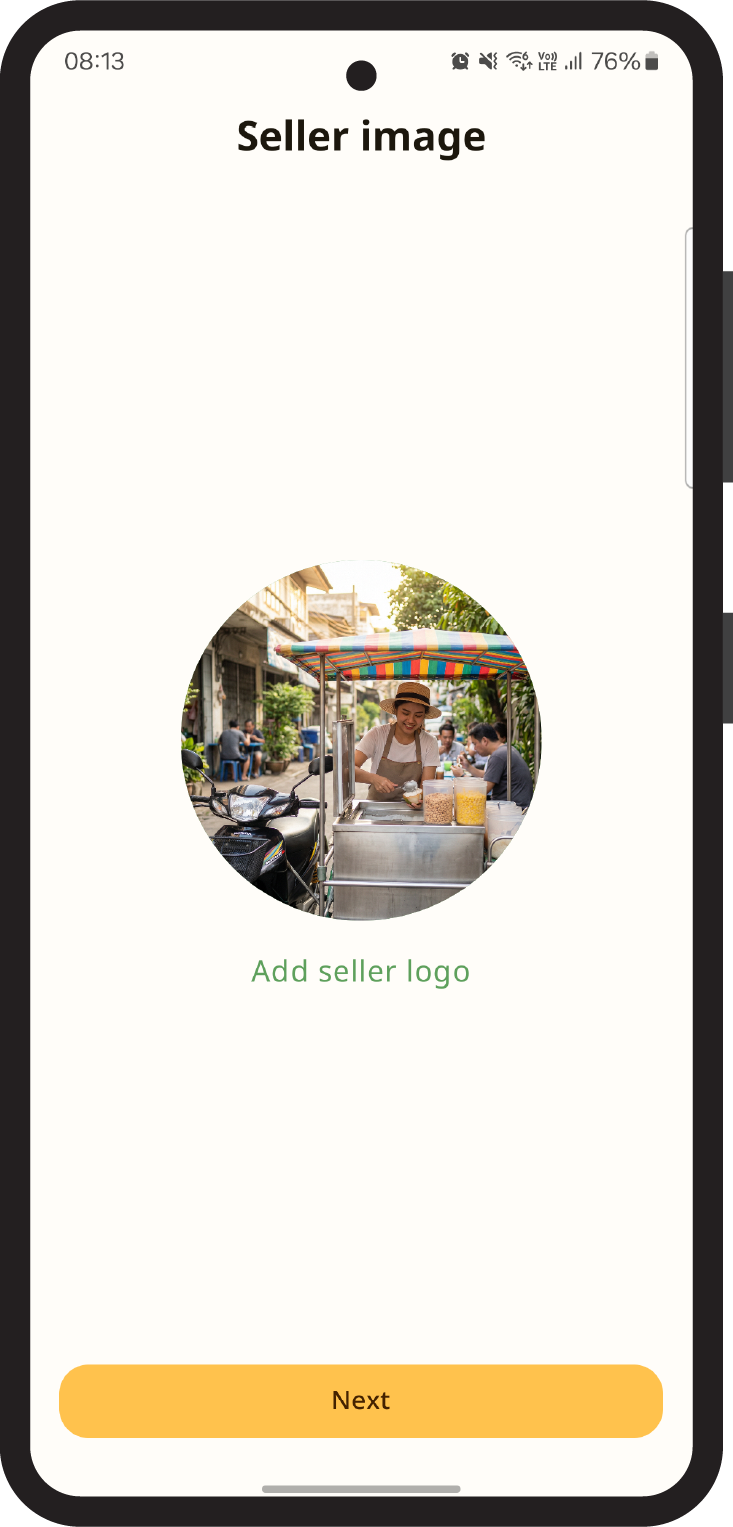
6Upload your shop photo and tap Next.
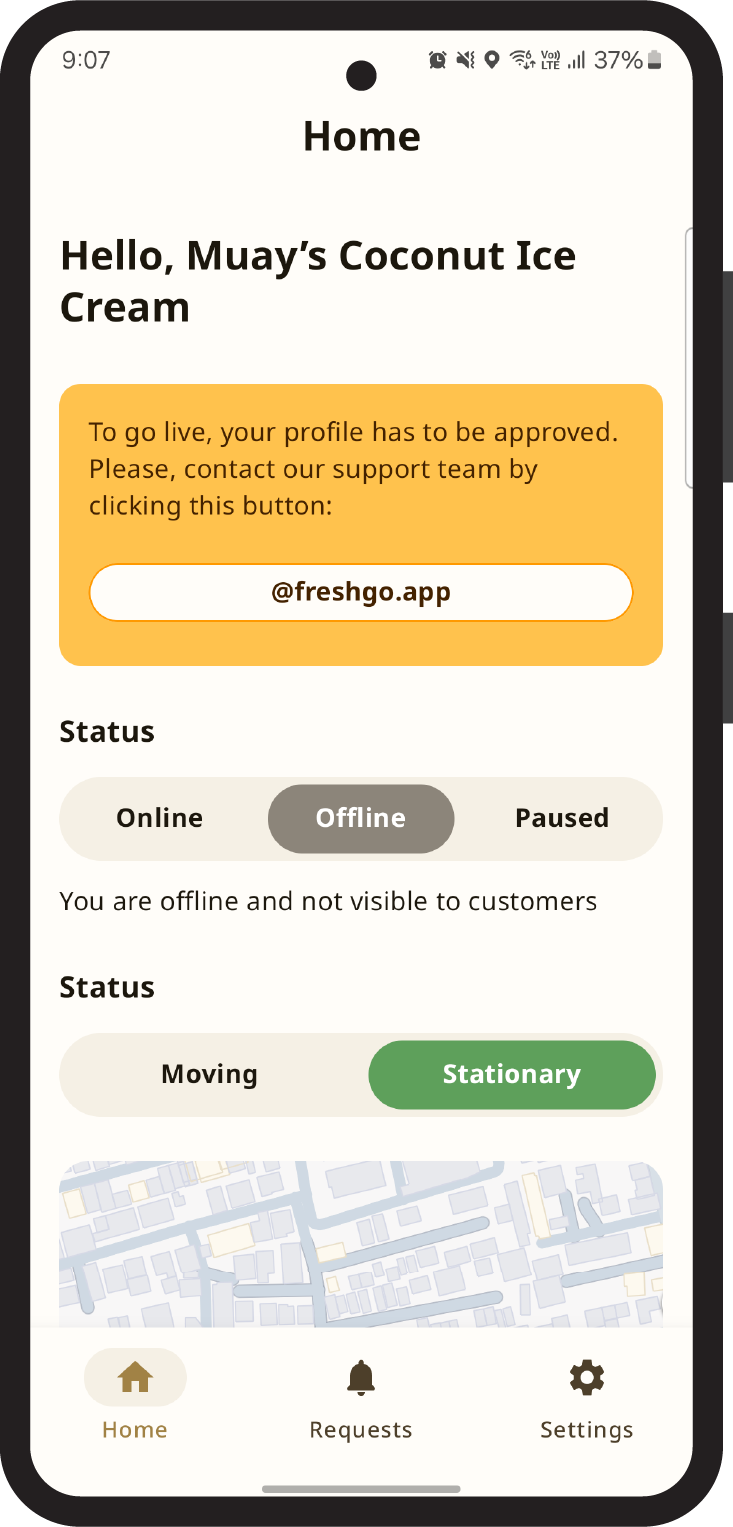
7Your shop is now in the system but not yet visible to customers. Tap the warning card button on the home page — it will open the FreshGo support LINE account. Follow the instructions there.
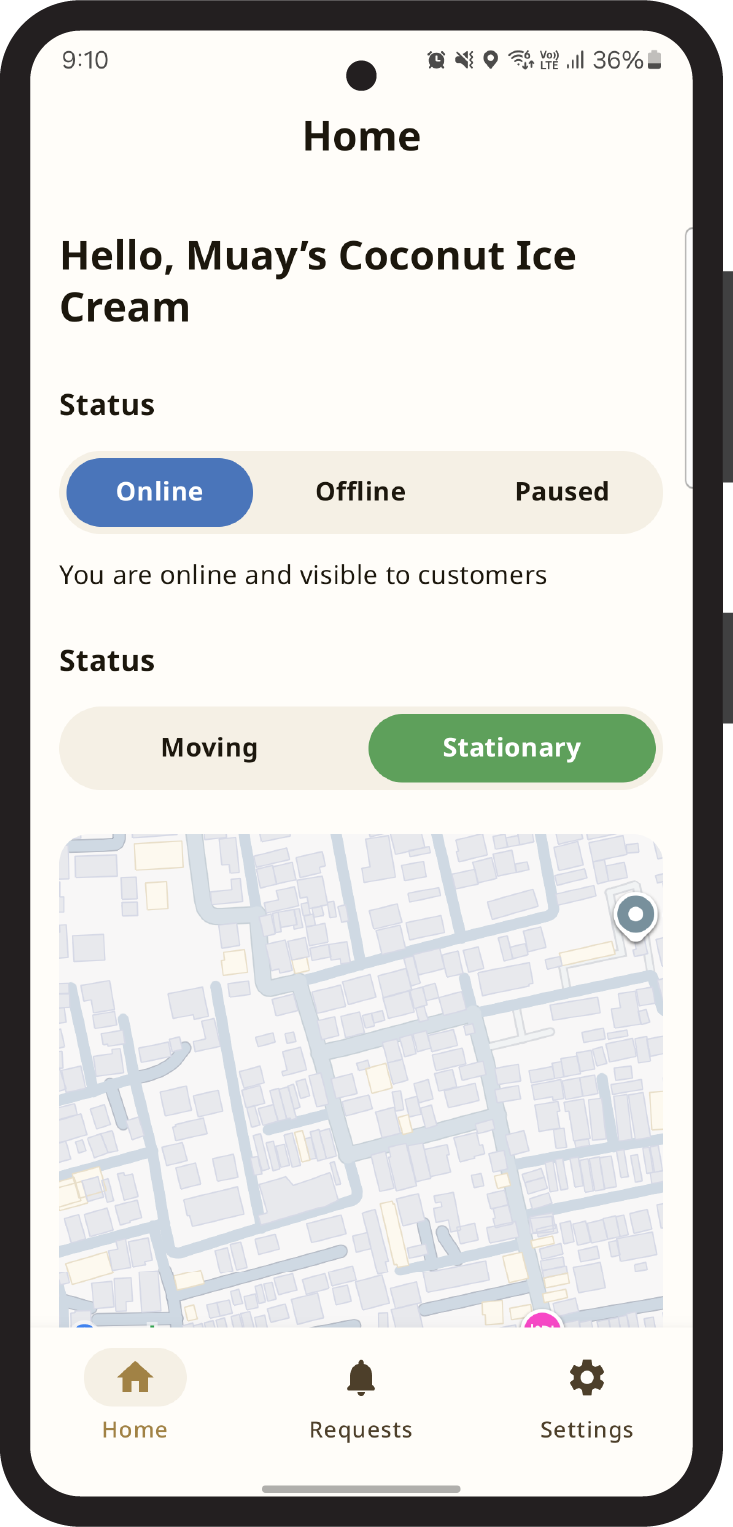
8Once your shop is approved, switch your status to Online and go live. Customers can now find you — congratulations!